Online reviews are one of the strongest trust signals for any local business. Yet most customers, even satisfied ones, never leave a review—not because they don’t want to, but because the process feels inconvenient. This is exactly where a Google Review Card changes the game. By turning the review process into a simple, one-scan action, businesses can capture customer feedback at the exact moment satisfaction is highest.
Why Google Review Cards Make Getting Reviews Easier
Traditional methods of collecting Google reviews rely on customers remembering to search for your business later, logging into their Google account, and then navigating to the review section. Each additional step dramatically reduces completion rates.
A Google Review Card removes this friction entirely.
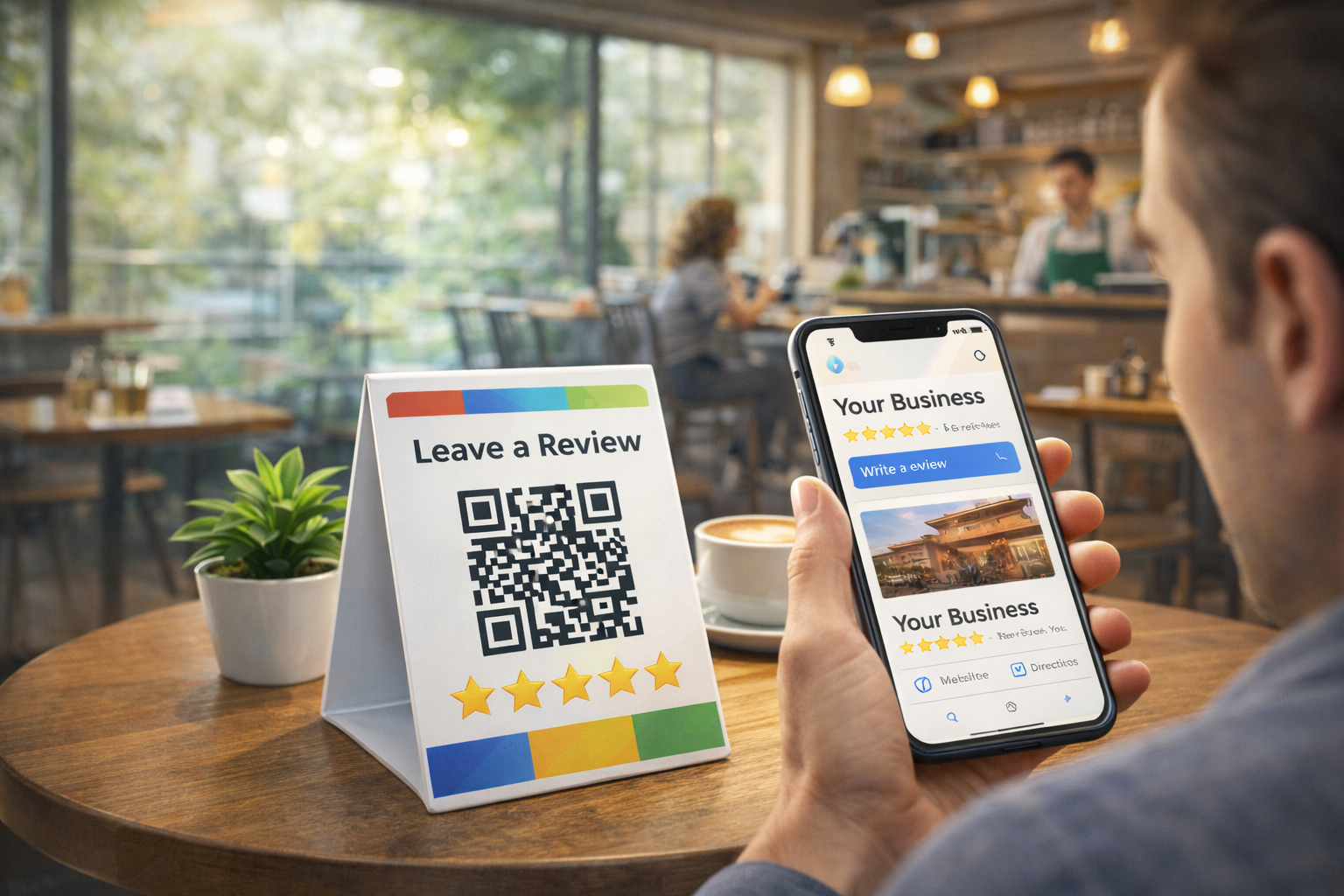
With a visible QR code placed at the right physical touchpoints—such as the entrance, checkout counter, or service desk—customers can leave a review instantly on their phone. No searching. No typing business names. No confusion.
Key reasons Google Review Cards work better:
- They eliminate unnecessary steps in the review journey
- They capture feedback at the moment of peak customer satisfaction
- They work seamlessly on mobile devices
- They increase review volume and recency, which benefits local SEO
In short, the easier the action, the higher the conversion.
Why Making a Google Review Card Fast Isn’t Enough
Creating a Google review card in under three minutes sounds ideal, and it is a valuable skill for small business owners. But speed alone isn’t the real determinant of success. If the review cards aren’t positioned and used at the right moments, even the best-designed card will be ignored. Small business owners often underestimate the context around the card — when and where it is seen — and this is where most DIY review cards underperform.
For example, a beautifully printed card left in a drawer or buried in a stack of receipts rarely gets noticed. Meanwhile, a less polished card placed at a point of genuine customer satisfaction — like at the checkout counter right after payment — can generate more action. The core idea is not how quickly you can make the card but how effectively it intersects with the customer’s emotional readiness to leave feedback.
Another common mistake is treating the review card as a standalone solution. Review cards are tools, not strategies. They become effective only when integrated into regular business processes — such as greeting, seating, ordering, payment, or post-service follow-up. When owners recognize that timing, placement, and customer mindset matter as much as design, review cards suddenly become far more productive.
How to Optimize Your Review Card for Maximum Engagement
Once you’ve created your Google review card, the next step is to make it work. A few simple tweaks can make a significant difference in how customers engage with your card. Start by ensuring that the card’s design communicates simplicity. Customers should immediately understand what action is expected and how easy it is to complete it — from scanning a code to tapping a link.
Next, focus on language. Instead of generic phrases like “Leave us a review,” try something more aligned with customer satisfaction, such as “Loved your experience? Share it on Google!” Positive phrasing taps into the emotional momentum customers feel right after a good experience. This subtle shift in wording can raise conversion rates significantly.
Finally, think about visibility and repetition without annoyance. A single card at a corner table might not be enough. Consider placing cards in multiple touchpoints: the payment counter, the exit, printed on receipts, or even in digital follow-ups. Each placement increases the chance that a satisfied customer will see the prompt at a moment of readiness and act on it.
How to Create Your Google Review Card in Just 3 Minutes
Creating and deploying your own Google Review Card is a straightforward process with Reviewance. No technical skills are required.
Step 1: Add your business on Reviewance.com
Go to reviewance.com and enter your business details. This creates your review infrastructure inside the system.
Step 2: System will be connecting your Google Business Profile
Link your Google Business Profile securely. This ensures that every review collected through your QR codes is directed to the correct Google listing.
Step 3: Download your custom QR code set
Once connected, the system automatically generates a personalized QR code set for your business. These QR codes are optimized specifically for Google Reviews and are ready to use immediately.
Step 4: Place the QR codes where customers will see them
Print and place your QR codes in the most visible and logical locations:
- On the glass door or entrance
- On a Google Review stand
- Near the cash register or checkout counter
By positioning the QR codes at these touchpoints, customers are invited to leave a review right after receiving the service, when the experience is still fresh and emotions are positive.
Bonus: Turn Negative Feedback into Private Insights — and Track Your Competitors
Beyond helping you collect more Google reviews, Reviewance also gives you strategic control over feedback and reputation management.
Manage Negative Feedback Privately
Not every customer issue needs to become a public Google review. With Reviewance, dissatisfied customers can be redirected to a private feedback channel in the background. This allows you to:
- Identify problems early
- Resolve issues before they escalate publicly
- Protect your Google rating while still listening to customers
Private feedback helps you improve operations without damaging your online reputation.
Analyze Competitor Reviews with Regular Reports
Reviewance also enables you to monitor and analyze your competitors’ Google reviews. Through structured, recurring reports, you can:
- Understand what customers praise or complain about in competing businesses
- Identify service gaps and opportunities
- Track trends in customer expectations within your market
This turns reviews into actionable competitive intelligence, not just social proof.By combining instant review collection, private feedback management, and competitor analysis, Reviewance helps businesses move from passive reputation monitoring to active reputation control.
Turn Real Moments into Real Reviews
Timing matters as much as visibility. A Google Review Card works best because it meets the customer at the exact moment they are most likely to respond. Instead of asking customers to “leave a review later,” you make reviews part of the natural flow of the experience. One scan. One minute. One powerful review. For businesses that want to grow trust, improve local search rankings, and build a stronger online reputation, Google Review Cards are no longer optional—they are essential.
With Reviewance, the entire setup takes just three minutes. The impact lasts much longer.